
Tom Hadley
·
Content Writer
Published:
·
Updated:
Choosing the right carrier should be straightforward. In practice, it rarely is.
The carrier that performs brilliantly in Manchester might quietly struggle in rural Cornwall. The service you set up for next-day London deliveries six months ago might not be the best option anymore. Delivery performance is regional, seasonal, and constantly shifting, but most shipping setups treat carrier selection as a fixed decision made once and revisited only when something goes wrong.
That gap between static configuration and live reality is where failed deliveries happen, where SLAs slip, and where customer satisfaction quietly erodes.
AI Carrier Recommendations in Voila is designed to close it.
What Are AI Carrier Recommendations?
AI Carrier Recommendations is a capability within Voila that analyses live and historical shipment data to suggest the best-performing carrier for a given destination region at the point of dispatch.
Rather than relying on a set of static rules that reflect how your carriers were performing when someone last updated them, Voila looks at what is actually happening across your shipments and surfaces recommendations accordingly. Which carriers are delivering successfully in which areas. Which are slipping. Which are trending in the wrong direction before it becomes a pattern you have to chase.
The result is carrier selection that stays current without requiring you to constantly monitor and manually adjust it.
Why Static Rules Eventually Let You Down
Manual carrier allocation is not inherently wrong. It makes sense to set routing logic based on what you know: your contracted rates, your carriers’ coverage areas, your customers' expectations. The problem is that what you know at the point of configuration becomes less accurate over time.
Carrier performance varies. A network issue, a volume spike at a regional depot, seasonal demand fluctuations, a change in a carrier’s service model - any of these can shift delivery success rates in a particular area without any obvious signal reaching your rules configuration.
By the time you notice, through customer complaints, SLA breaches, or a reporting review, the damage is already done. And the fix requires manual intervention: reviewing the data, identifying the problem, updating the rules, and hoping the next change does not introduce a new issue somewhere else.
The more carriers you manage, and the more geographically spread your operation, the more brittle this approach becomes.
How the Recommendations Work
Voila draws on two data sources to generate carrier recommendations: live shipment data from your current operation and historical performance data across the platform.
For each destination region, it evaluates:
Delivery success rates by carrier
Transit time performance against the service level
Patterns in failed attempts, returns, and exceptions
Trends over time, not just a snapshot
From this, Voila identifies which carrier is best placed for a given area and surfaces that as a recommendation at the point of dispatch. You are not locked into accepting it - the recommendation is a prompt, not a mandate - but it gives your team a consistently informed starting point rather than relying on whichever rule was last touched.
Importantly, this is not a one-time analysis. The recommendations update continuously as new shipment data comes in. If a carrier’s performance improves in an area, Voila reflects that. If performance deteriorates, you will see it before it becomes a problem you are managing reactively.
Setting Up AI Carrier Recommendations: A Step-by-Step Guide
Before You Start
Make sure your carrier integrations are active before creating your first shipment.
Step 1: Start a New Shipment
From your Voila dashboard, select Create Shipment in the top right corner. A three-step modal will open.
Step 2: Enter Shipment Details
In step 1 (Shipment Details), fill in your sender details by selecting your API Account and Address from the dropdowns. Then complete the recipient section: first and last name, email, and phone number.
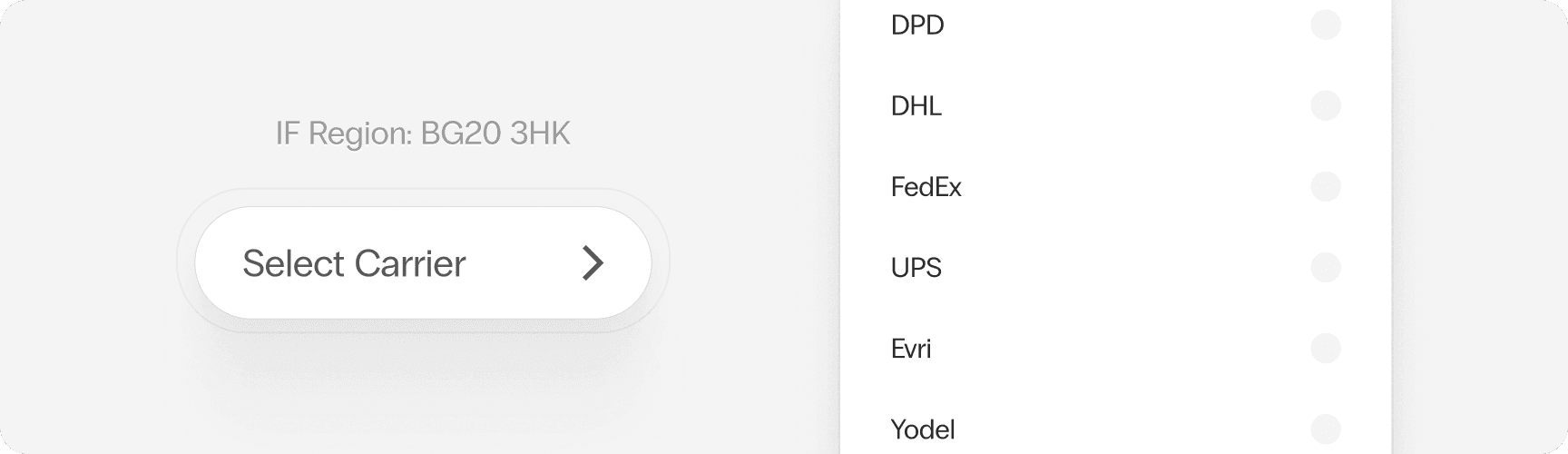
Use the Address Lookup field to search by postcode and auto-fill the address, or enter it manually using the address line, city, and postcode fields. The destination postcode is what Voila uses to determine which carriers to recommend, so make sure this is accurate before continuing.
Select Continue to Next Step when done.
Step 3: Add Parcel Details
In step 2 (Shipment Parcels), enter the weight (kg) and dimensions (cm) for your parcel. Use + Add Another Parcel if you are sending more than one. Set the currency and shipment total, then select Continue to Next Step.
Step 4: Review the AI Recommendations
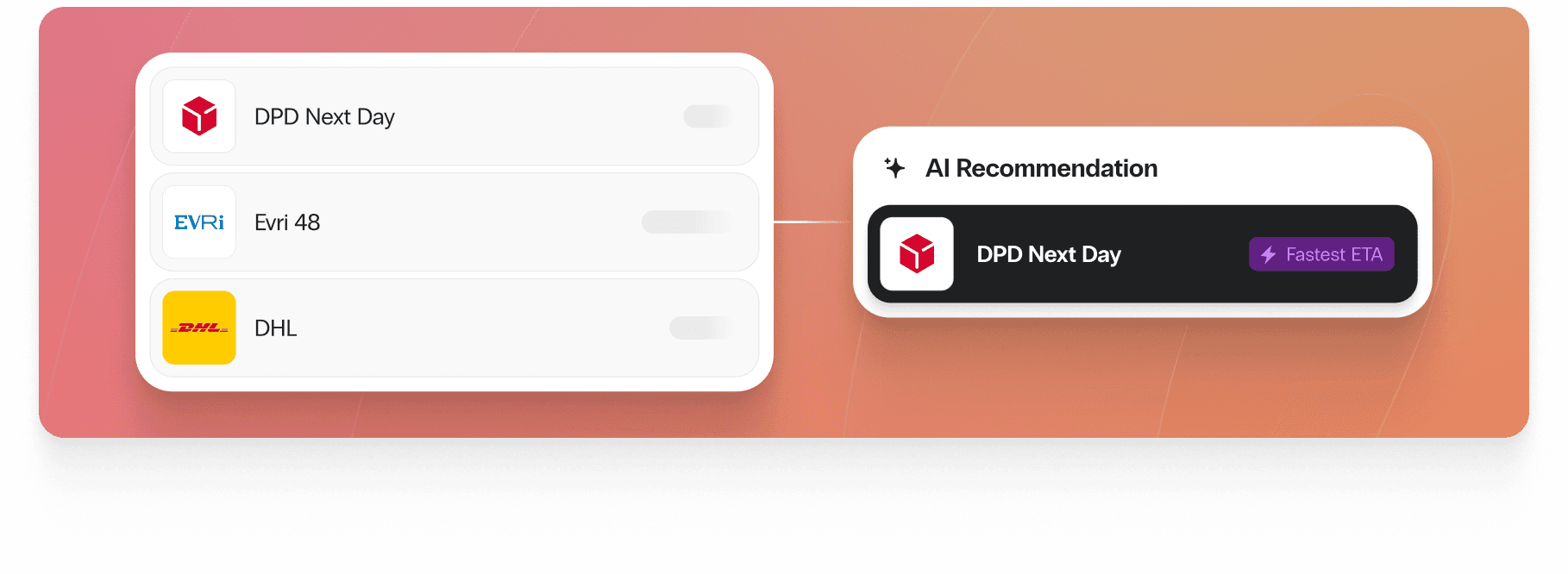
Step 3 (Presets) is where the AI Carrier Recommendations appear. Under the AI Recommendations heading, Voila surfaces the best-performing carriers for the destination you entered, each ranked and tagged with a real-time insight label such as “Fastest ETA” or “Best next-day chance.”
These are recommendations, not mandates. Select the carrier and service that best fits your needs from the ranked list. Your full range of available services is also visible below the AI Recommendations section if you want to compare.
You can optionally select a Rule Group to apply your standard routing logic, and enable Smart Shipment Recommended once a rule group has been selected.
Step 5: Create the Shipment
Confirm your Print Documents format, add a Reference ID if needed, and set your Collection Date. You can also add delivery instructions via the link at the bottom of the screen.
When you are ready, select Create Shipment.
Who Benefits Most
AI Carrier Recommendations adds value across most shipping operations, but it is particularly useful for:
Retailers shipping to a wide spread of postcodes, where carrier performance varies significantly by area
3PLs managing carrier allocations across multiple client accounts with different SLA requirements
Operations teams who want to move away from reactive carrier management and get ahead of performance issues
Anyone who knows their carrier mix could probably be better, but does not have the bandwidth to continuously audit and update routing rules manually
Smarter Carrier Selection. Without the Manual Work.
The right carrier for a delivery is not a fixed answer. It depends on where the parcel is going, when, and how your carriers are performing right now. AI Carrier Recommendations gives you that visibility and keeps it current, so your routing decisions are based on live reality rather than historical assumptions.
Getting it set up takes minutes. Keeping it working takes nothing.
Already on Voila? Create a shipment and see the AI Recommendations for yourself.
Not yet on Voila? Book a demo or try it free.
Tom Hadley
Content Writer