7th May, 2026

Your Shipping Rules Shouldn’t Need a Manual.
You know the routine. A new courier goes live. A client adds a weight restriction. A promotional period kicks off and suddenly certain postcodes need different handling. Back you go into the rules interface, unpicking conditions, reordering priorities, hoping the logic still holds when you’re done.
It’s one of those tasks that’s never urgent enough to escalate but never small enough to ignore. And it compounds. Every new courier, every new client requirement, every new service level adds another layer to a configuration that was already hard to hand over to someone else.
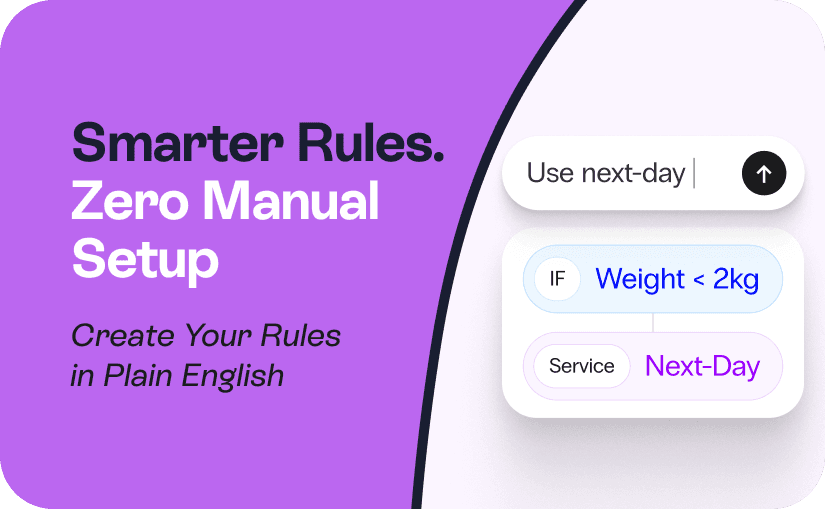
The Voila AI Rules Engine is built for exactly this. Describe your shipping logic in plain English. Voila builds the rules. You review, adjust if needed, and apply. The whole thing takes seconds.
What Is the Voila AI Rules Engine?
The Voila AI Rules Engine is a feature that lets you create and manage shipping rules using plain-English instructions instead of manual configuration. It is a conversational interface built directly into the rules configuration area of your account. Instead of navigating condition builders and manually ordering priority stacks, you describe your shipping logic in natural language and the AI generates the corresponding rule structure for you.
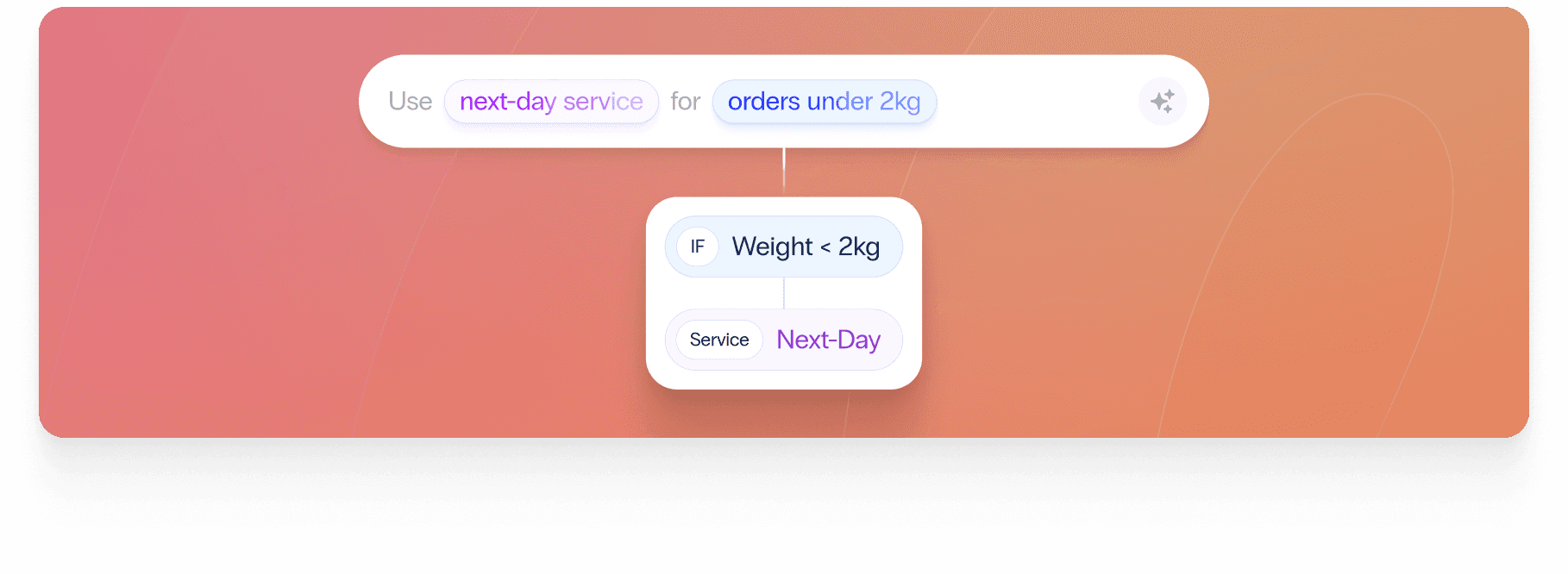
Tell it: “Route orders under two kg going to London postcodes to DPD Next Day.” It returns a fully configured rule, complete with postcode conditions and service assignment, ready to apply in one click.
It handles straightforward single rules, complex multi-condition logic, and everything between. If you can describe it, Voila can build it.
Why Manual Shipping Rule Configuration Breaks Down
For a small operation with a handful of rules, manual configuration is manageable. Add couriers, expand geographically, take on clients with different carrier preferences, and the complexity starts compounding in ways that are hard to predict.
Rules interact with each other. Priority order matters enormously. One misaligned fallback can silently misroute an entire category of shipments. And because rules configurations tend to be built incrementally by whoever happens to be in the platform at the time, they become difficult to audit, extend, or hand over.
This is a recognised pressure point across the industry. Ofcom’s postal monitoring research consistently highlights delivery reliability as the primary driver of customer dissatisfaction, making the accuracy of routing logic more commercially consequential than ever.
The AI Rules Engine removes the cognitive overhead. It understands the logic you’re trying to implement, translates it into Voila’s rule structure, and shows you exactly what it’s proposing before anything is applied. You stay in control. You just stop doing the manual work. For a broader look at what shipping automation can unlock across your operation, our guide on why eCommerce businesses are making it a priority is worth a read.

How to Configure Shipping Rules Using AI
Here’s how to use the Voila AI Rule Builder to create and apply rules in your account.
Before You Start
Make sure you have at least one Rule Group set up. Rule Groups are containers for related rules and determine how rules are organised and prioritised. If you haven’t created one yet, navigate to Rules in the left sidebar and set one up before proceeding.
Step 1: Open the Rules Interface
From your Voila dashboard, navigate to Rules via the left sidebar. Your existing Rule Groups will be listed, each with their associated rules displayed beneath them.
Step 2: Select the Rule Group You Want to Work With
Click the Rule Group you’d like to build rules for. This tells the AI Rule Builder which group context to apply the new rules within.
Step 3: Open the AI Rule Builder
Click the ‘Edit with AI’ button in the top right of the Rule Group panel. The AI Rule Builder slides in from the right.
Step 4: Describe What You Want
Type your requirement into the chat input at the bottom of the panel. Be as specific as you like. The more context you give, the more precise the output.
“Route all London postcodes (E, EC, N, NW, SE, SW, W, WC) to DPD Next Day. Use Evri 48 Non-POD as a fallback for everything else.”
You can describe a single rule or several related rules in one message. The AI Rule Builder will interpret your intent and propose the full rule structure.
Step 5: Review the Proposed Rules
The AI Rule Builder displays the proposed rules directly in the panel, showing you the rule name, conditions, and assigned service for each. Proposed rules are labelled clearly, for example 'Proposed - Insert at Beginning' or 'Proposed - Insert at Position 2', so you know exactly where in the priority stack each rule will sit.
Check that the conditions match your intent, the assigned services are correct, and the priority order makes sense for your operation.
Step 6: Accept, Reject, or Refine
If a proposed rule looks right, leave it. If something needs adjusting, reject individual proposals using the X button on each card, or type a follow-up message. “Change the fallback service to Royal Mail 48” and the AI Rule Builder updates the proposal accordingly.
Step 7: Apply the Rules
Once you’re satisfied with the proposed configuration, click ‘Apply to Rules’. The rules are added to your Rule Group immediately, correctly positioned in the priority stack and ready to run.
What the AI Rules Engine Can Build
A few examples of prompts and the rules they generate.
Postcode-Based Courier Routing
“Send all London postcode areas to DPD Next Day. Everything else goes to Evri 48 Non-POD.”
The AI creates two rules: a primary rule filtering on London postcode prefixes assigned to DPD Next Day, and a fallback covering all remaining destinations assigned to Evri Corporate 48 Non-POD. Both are proposed with correct priority ordering so the London rule evaluates first. You can connect DPD, Evri, and over 200 other carriers via Voila’s multi-courier integrations.
Weight-Based Service Assignment
“Route orders under two kg to Evri Next Day. Anything over two kg should go to DPD Two-Day.”
The AI generates a weight-based split, assigning the appropriate services to each band without you touching a condition builder.
Carrier Exclusions
“Don’t use Carrier X for fragile items.”
Using your item type or category data, the AI creates an exclusion rule that routes fragile-flagged shipments away from the specified carrier and towards your preferred alternative.
Getting the Most from the AI Rule Builder
A few things that improve the output:
Be explicit about geography. “London” is interpreted as London postcode areas. If you mean something different, say so. Postcode prefixes, regions, and countries all work.
Name your services as you know them. Voila matches your description to the courier services configured in your account. If you have multiple DPD services, specifying ‘DPD Next Day’ versus ‘DPD Saturday’ gets you the right one.
Use follow-up messages to refine. If the first proposal isn’t quite right, don’t start over. Tell the AI Rule Builder what to change and it updates the proposal in place.
Review before applying. The AI is accurate but always check the priority order. Rules evaluate top to bottom, so a misplaced fallback can override logic you didn’t intend.
Who It’s Built For
The AI Rules Engine adds value for any Voila user managing shipping logic. It’s most impactful when:
You’re onboarding a new courier and need routing rules live quickly, without working through every condition manually.
3PLs managing rules across multiple client accounts, each with different carrier preferences and service requirements.
Retailers and eCommerce brands running promotional periods where temporary routing logic needs to go live fast and come down cleanly afterwards.
Anyone who has inherited a rules configuration they didn’t build and needs to extend it without breaking what’s already there.
If you're also looking to move beyond static routing entirely, AI Carrier Recommendations takes this a step further, using live shipment data to surface the best-performing carrier at the point of dispatch rather than relying on pre-set rules alone. And if you're thinking about the full picture, our delivery experience tools cover what happens after the label is printed.
Configure Once. Ship Right Every Time.
Shipping rules are foundational to how your operation runs. Getting them wrong costs money and customer satisfaction. Getting them right, and keeping them current as your operation changes, has historically required significant manual effort.
The Voila AI Rules Engine changes that. Describe your logic, review the output, apply it. No condition builder. No manual priority stacking. No hoping nothing breaks.
For more on what a multi-carrier shipping setup looks like when it’s properly configured, our guide for growing brands is a good place to start.
If you’re already on Voila, the AI Rule Builder is available in your account now. Open any Rule Group, click ‘Edit with AI’, and see how fast shipping rule configuration can be.
Not yet on Voila? Check out pricing, book a demo, or try it free at heyvoila.io.


How long does it take to setup & onboard with Voila?
Can I ship internationally with Voila's multi courier platform?
What happens if I print the wrong label?
Can I get onsite setup and training?
Is Voila Secure?
Is Voila's multi courier shipping software suitable for 3PLs?